If you are running a WordPress LMS or membership website, one of the biggest challenges is account sharing. Users often share login credentials, which leads to loss of revenue and content misuse.
In this guide, we’ll understand how device-based login restrictions can solve this problem.
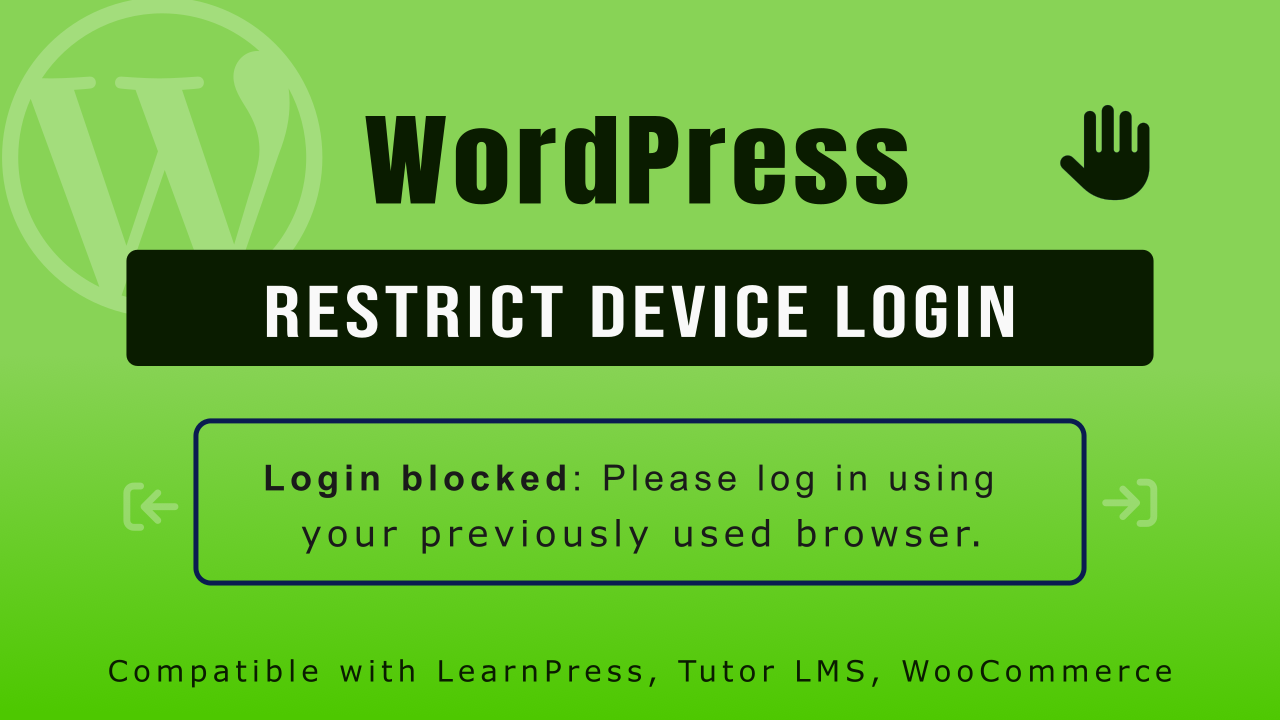
What is Device Login Restriction?
Device login restriction allows you to limit a user account to a single device or a fixed number of devices.
Once enabled:
- A user can only log in from approved devices
- New login attempts from another device can be blocked or logged out
- Admins can track active sessions easily
Why It Matters for LMS & Membership Sites
This feature is especially useful if you run:
- 🎓 Online courses (LMS platforms)
- 💼 Membership websites
- 📚 Paid content portals
- 🎥 Video learning platforms
Without restrictions, users can easily share credentials, leading to:
- Revenue loss
- Content piracy
- Reduced platform value
Key Benefits
1. Prevent Account Sharing
Each account is tied to a device, reducing unauthorized access.
2. Improve Content Security
Protect your premium courses and digital content.
3. Better User Control
Admins can monitor and manage active sessions.
4. Fair Usage Policy
Ensures every user gets proper access without misuse.
How It Works (Simple Flow)
- User logs in on a device
- System registers the device fingerprint or session
- If login happens from a new device: Block login
- Admin can view or reset devices anytime